Custom Dashboards
Dashboards for any data you have, on one screen.
If you have the data, we can put it on one screen: jobs, orders, sales, schedules, a whole company or the markets you follow, from your spreadsheets, the system your data already lives in, or a live feed. Every example on this page uses sample data with invented names and numbers, and the ones marked Try the example open as live screens you can click.
What is a custom dashboard, and who is it for?
A custom dashboard puts the numbers you check every day on one screen, from your spreadsheets, the system your data already lives in or a live feed, and it can update by itself once it's connected. It's for owners and teams who check the same numbers in several places, in any kind of business.
What goes on one
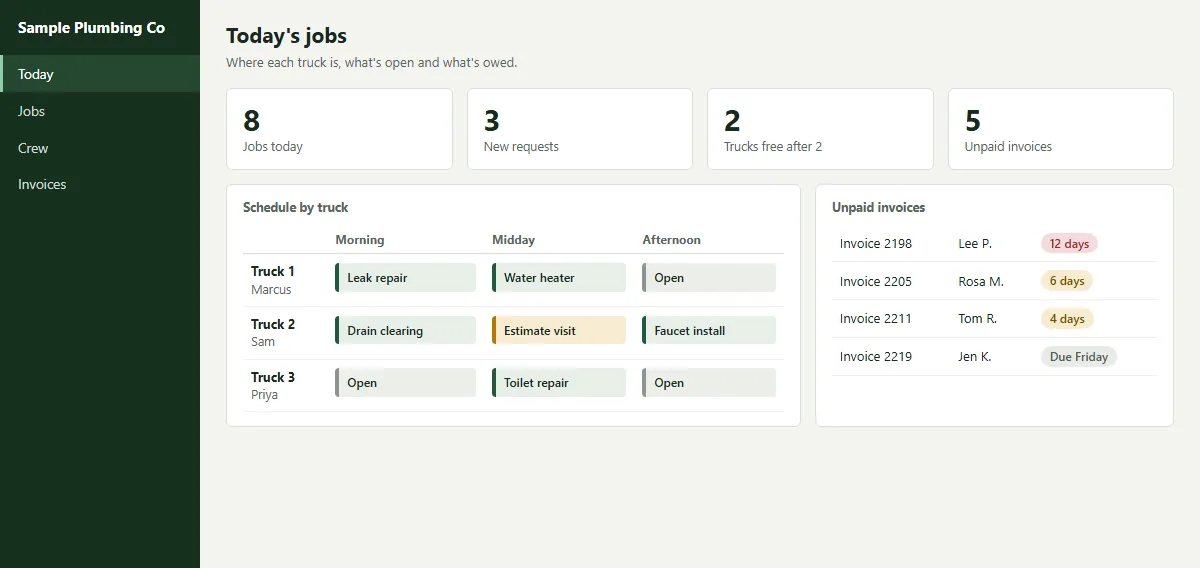
- Jobs and scheduleWho is where today and what's open.
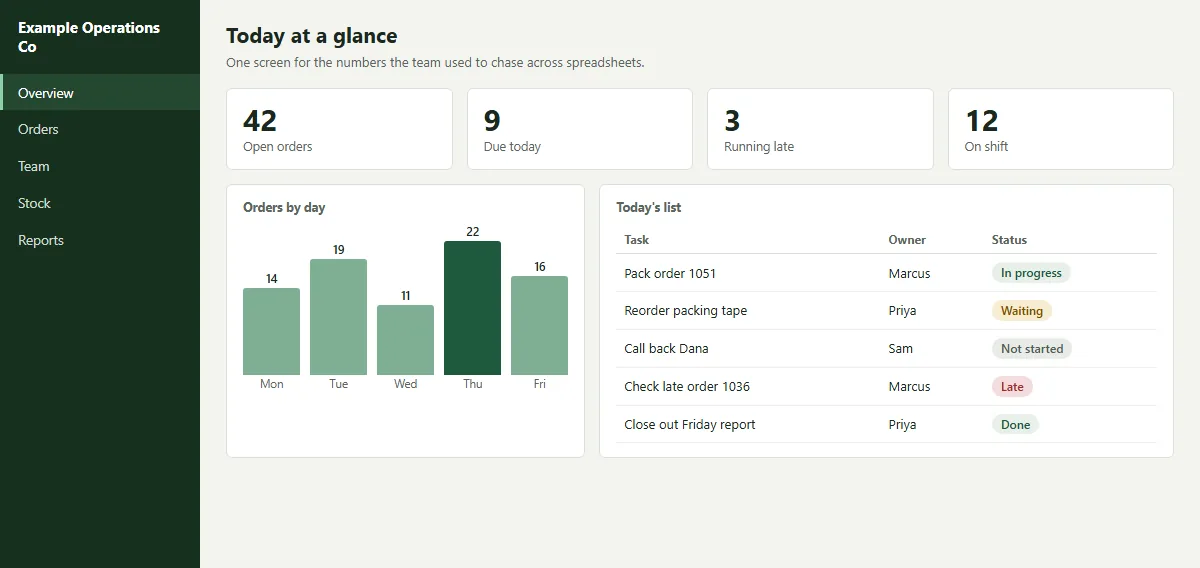
- Orders and stockWhat's due, late and running low.
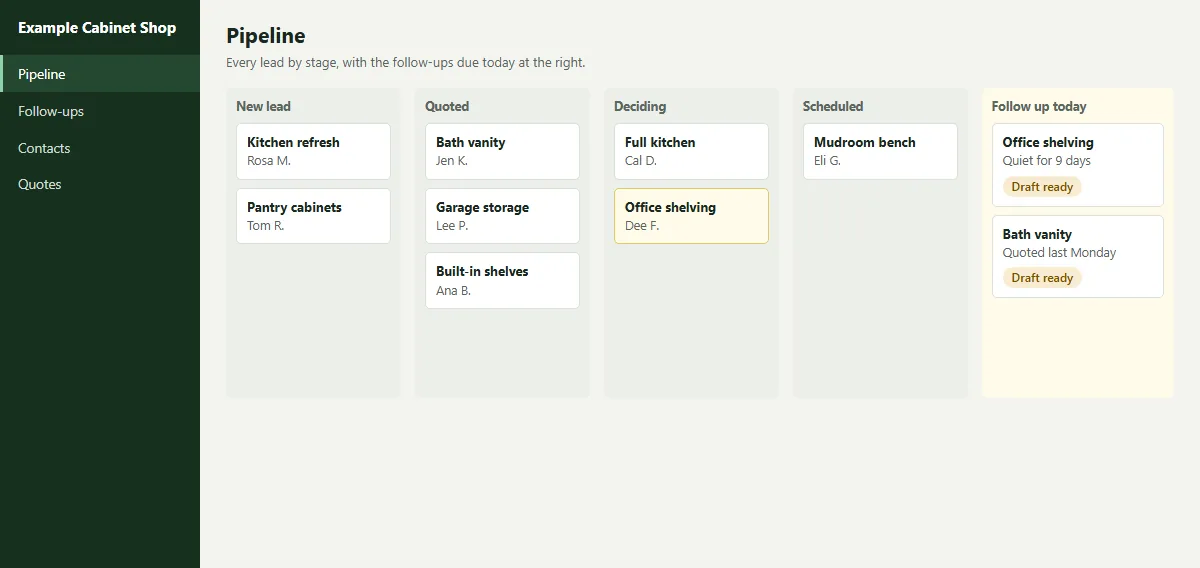
- Sales and pipelineLeads by stage and who needs a follow-up.
- MoneyInvoices owed and how late they are.
- The whole companySales, open work, tasks and alerts for an owner, on one screen.
- Markets you followA watchlist, a chart and alerts for the prices you track.
- Your own numbersWhatever you check every morning, on one screen.
Sample dashboards
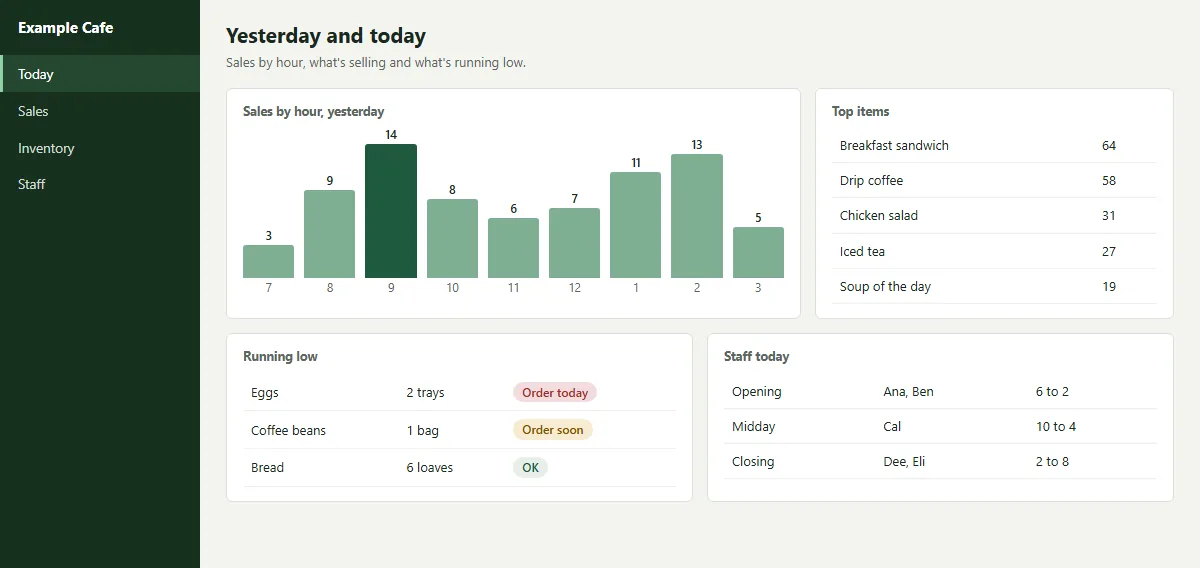
Sample screens, with invented names and numbers. The ones marked Try the example open as live screens with sample data.
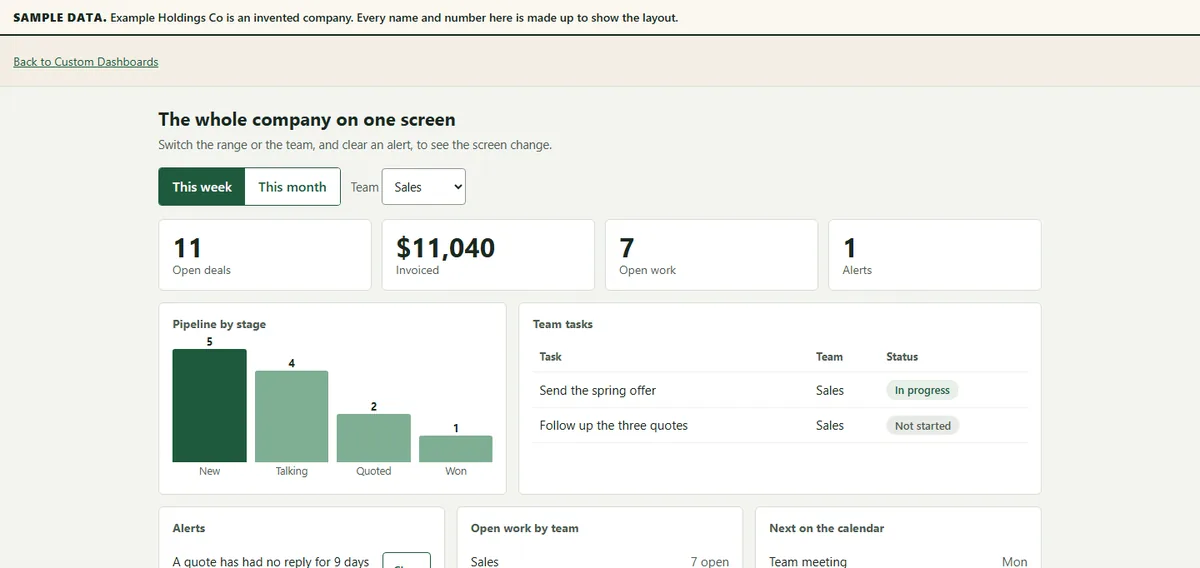 (view larger, opens in a new tab)
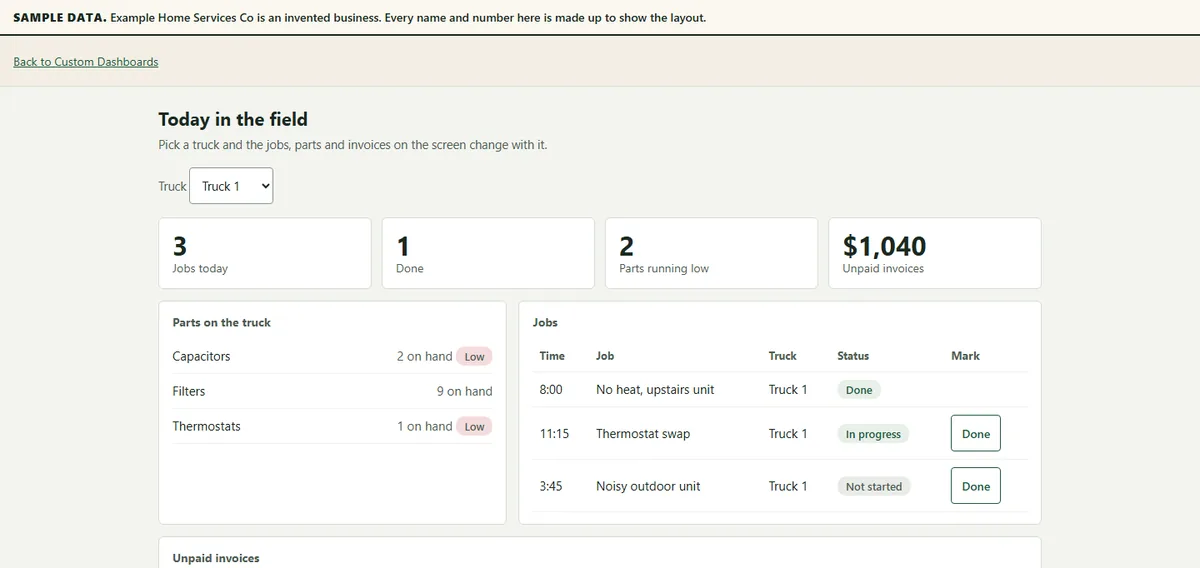 (view larger, opens in a new tab)
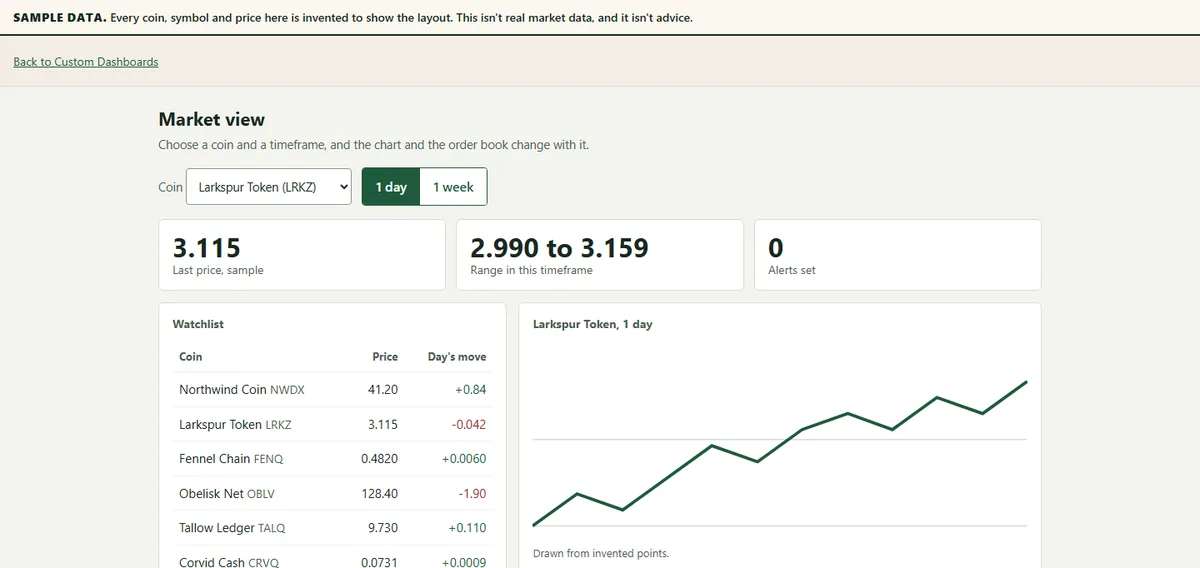 (view larger, opens in a new tab)
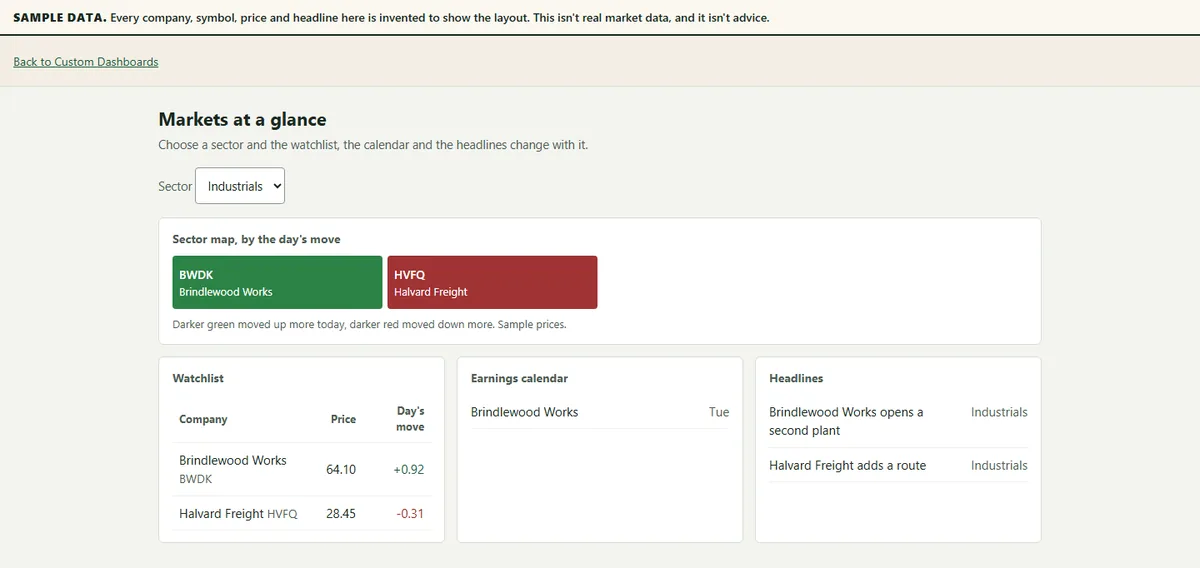 (view larger, opens in a new tab)
 (view larger, opens in a new tab)
 (view larger, opens in a new tab)
 (view larger, opens in a new tab)
 (view larger, opens in a new tab)
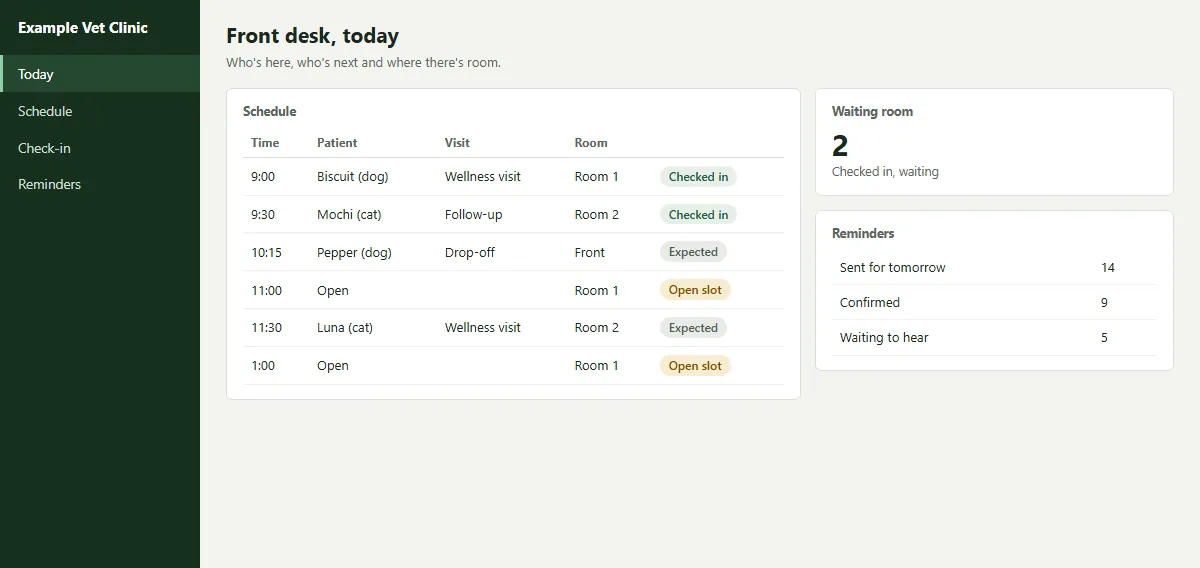 (view larger, opens in a new tab)
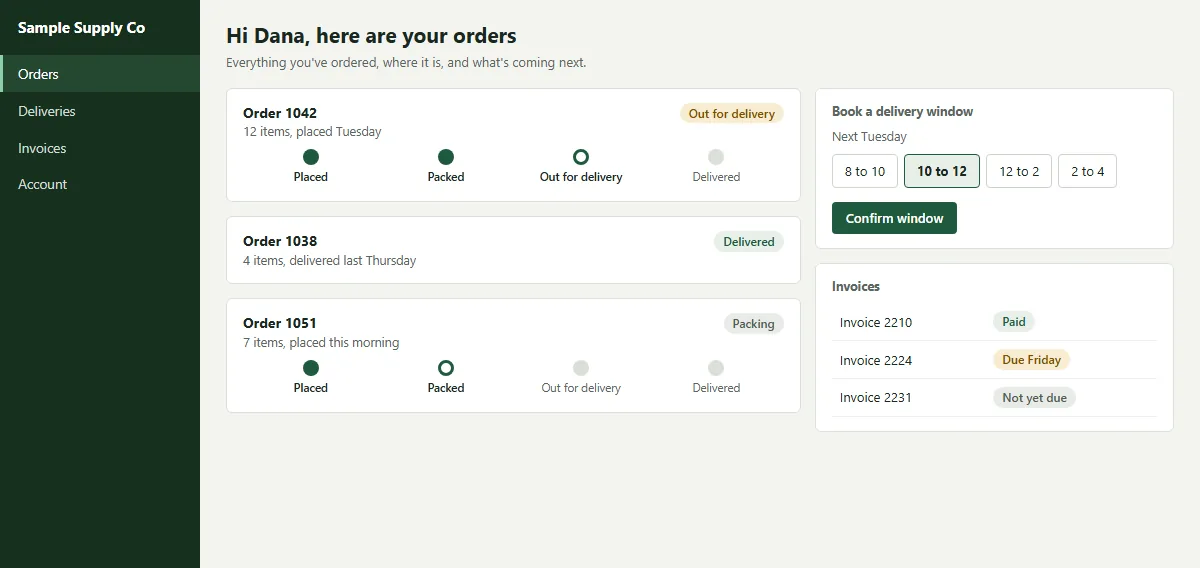 (view larger, opens in a new tab)
Questions buyers ask us
- Who can build a custom dashboard for my small business?
- We can. We build dashboards around the numbers your business runs on, from your spreadsheets or the system your data already lives in. Try the live examples on this page, which use sample data.
- Custom business dashboard that pulls my sales and orders into one screen?
- Yes. We connect the dashboard to where your sales and orders already live, so they show on one screen without anyone retyping them.
- Hire someone to build a live dashboard for my company data?
- We build dashboards that update by themselves once they're connected to the system your data lives in, and we set up that connection when we build it.
- What does a custom business dashboard cost for a small company?
- It depends on your data and how many screens you need, so there's no set price. Email us or book a call, and we'll tell you what yours would take.
Questions
- What is a business dashboard?
- A dashboard puts the numbers you check most, such as jobs, orders, sales or what's owed, on one screen instead of in several spreadsheets or apps.
- What should a small business dashboard show?
- Start with what you check every morning: today's jobs or orders, what's late, what's owed and who needs a follow-up. We build it around the numbers your business actually runs on.
- Can you build a dashboard from my spreadsheets?
- Yes. We can build it from your spreadsheets or from the system your data already lives in, and connect the two so nobody retypes anything.
- How is a dashboard different from a report?
- A report is a snapshot someone puts together. A dashboard shows the numbers as they stand, and it can also build a weekly report for you by itself.
- Can a dashboard update by itself?
- Yes, when it's connected to the system your data lives in. We set up the connection when we build it.
Not sure where to start?
Tell us a little about your business and we'll reach out with a plan for what we can do for your business.
Thank you, it came through. We'll read it and reach out with a plan.